Support / Your Site
Custom Pages
Custom Pages are the extra pages on your website that you write yourself: About, FAQ, Links, Cams, Model Call, Custom Videos and Upcoming Shoots. Use them to tell fans about you, answer common questions, link to your other sites or advertise your custom videos.
Good to know: every store has the same set of pages; you can't add new ones. A page only appears on your site once its link is switched on in Store Settings (see the last step).
Edit a page
Updated Oct 25, 2026
-
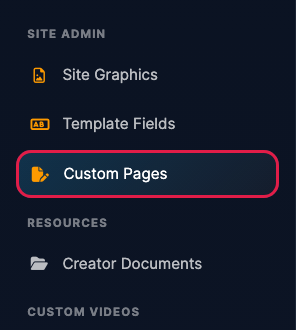
Log in to your dashboard and click Custom Pages under Site Admin in the left menu.
-
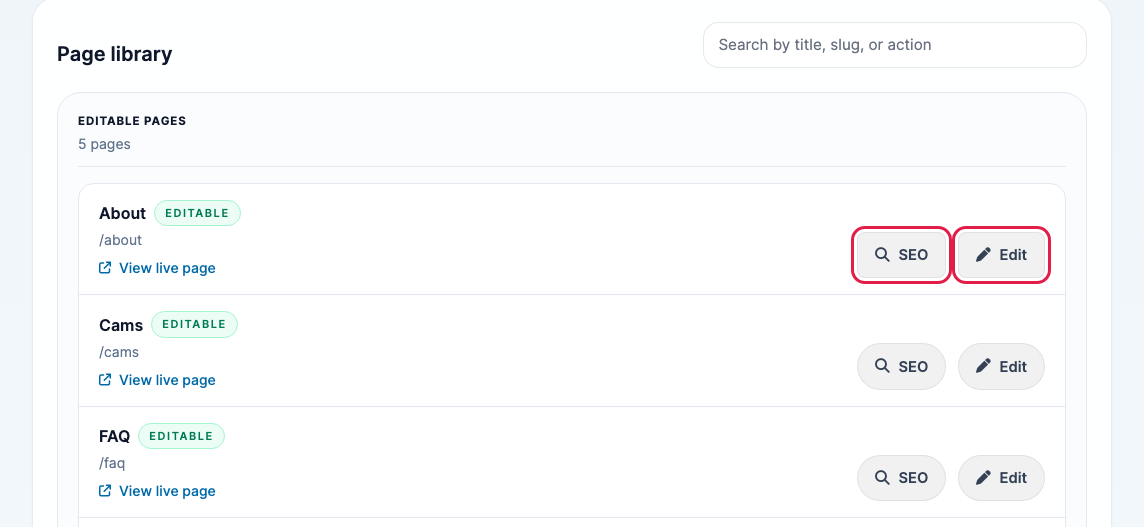
Your pages are listed under Editable Pages, with each page's web address. Click View live page to see how it looks now, or Edit to change it.
-
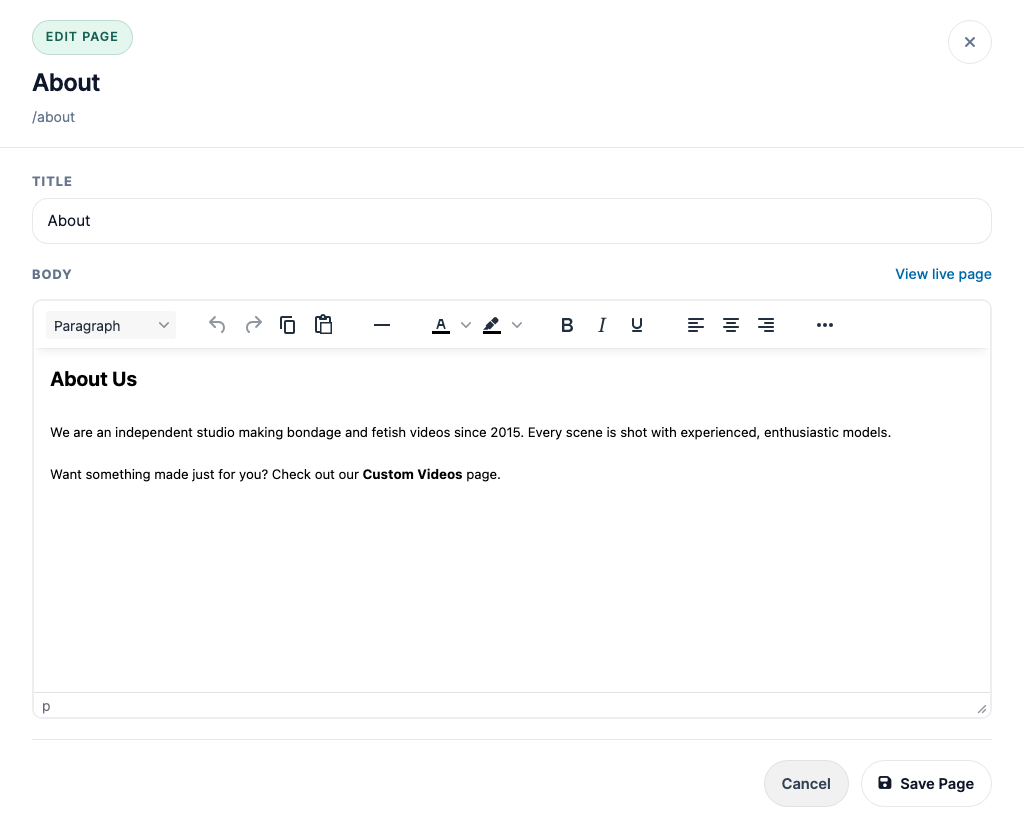
Change the Title if you like, then write your page in the Body. Use the toolbar for headings, colors, bold text and alignment, and click ... to add links, images or video, or to preview the page. Click Save Page when you're done.
- Make sure the page's link is switched on: go to Store Settings, open the Navigation section, turn on the page (for example About Us, or FAQ Link under Other) and click Save Changes. See Store Settings.
Some stores have pages we've built specially for them. Those are listed under Managed Pages with a Manage button instead of Edit.
Arrange the model sections on your page
Updated Oct 28, 2026
If your Custom Videos or Upcoming Shoots page shows models in sections (for example "East Coast Studio Local Models"), click Manage to arrange them yourself. Each section is a card with its models inside:
- Edit changes the section's title, tagline (the bold line under the title, such as "Available NOW!") and note.
- The up and down arrows change the order the sections appear on your page.
- Add model at the end of a section adds a model panel straight into it. Every new panel needs a section.
- Drag a model onto another section to move it there.
- Add a section at the bottom creates a new one, for example "Models Available for Sponsorship" with the tagline "$750 minimum order".
- Deleting a section never deletes its models: they move to Not on the page, which your fans don't see, until you drag them into a section.
The wording and design of the rest of the page stay the same. If you'd like those changed, let us know.
Help your pages show up in Google
Updated Oct 28, 2026
We set up how your pages appear in search results and when they're shared on social media. If you'd like a page's search title or description changed, let us know.
Need help with a page?
Updated Oct 25, 2026
We're happy to help with layout tweaks, HTML or styling problems, or a fully custom page. Click Contact Support at the top of the Custom Pages screen, or email [email protected].