Support / Getting Started
Fall 2026 Update
This is the biggest update since we moved everyone to the new dashboard in the spring. Here are the highlights, followed by every smaller change, grouped by where you'll find it.
Highlights
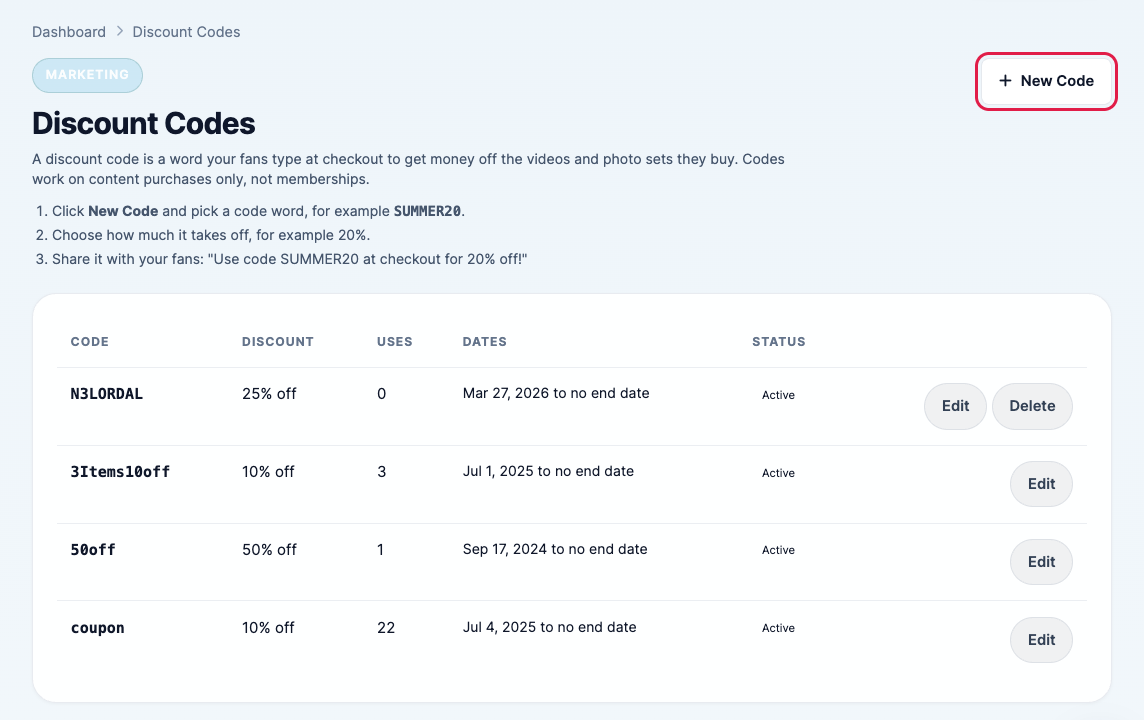
Discount codes
Create codes like SUMMER20 that take money off videos and photo sets in the cart. Choose a percentage or a fixed amount, a minimum order, an end date and how many times each code can be used.
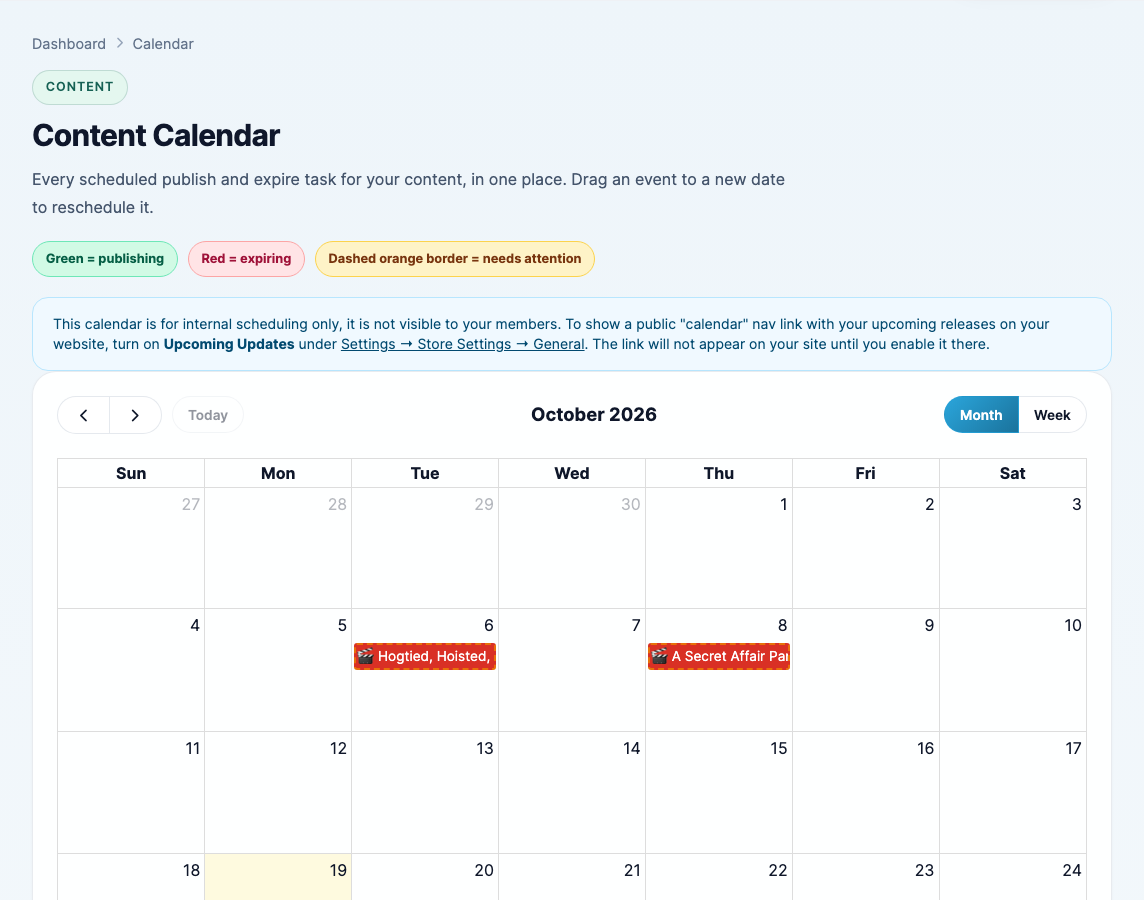
Content calendar
See every scheduled release and expiry on a month or week calendar. Drag a release to another day to reschedule it.
Storefront search and related videos, rebuilt
Fans now find more: every word they type can match a title, a model, a tag or a category, and the best matches come first. The "Related" videos under each clip are now the closest matches instead of random picks. Good tags and models on your sets help them rank higher.
Teammates
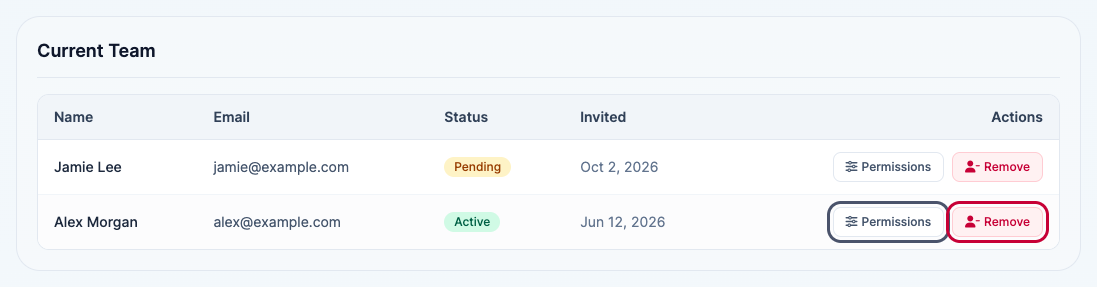
Give an assistant, an editor or a model their own login. For each part of your dashboard choose Full Access, View Only or No Access. Your team, profile and payout details always stay yours only.
A safer checkout and fewer chargebacks
We've been fighting fraud on your behalf: card testers and stolen cards are stopped before they cost you chargeback fees, buyers are told exactly what to fix when a card is declined, renewal reminders go out before 6 and 12 month plans renew, and cancel instructions are on every receipt. We also fight disputes with an evidence file showing what the buyer watched. Nothing for you to set up.
Everything else
Content
- The content library is rebuilt: list or grid, live search, status chips, date presets and a sort that sticks.
- Each set shows its models, tags and categories at a glance, and Models shows how many sets each model is in.
- A new uploader that works on phones, with its own simple Add Content form on mobile.
- Large uploads are more reliable on slow connections.
- You can see when a video has finished processing, and we email you when a set has been missing its thumbnail, video or zip for two days.
- Hide from Updates Feed keeps a set off your homepage and updates pages while it still sells.
- View File on a set's page opens the original video you uploaded.
- Upload or replace a set's preview video right on its page, and add a video to a set that was saved with photos only.
- File Manager: tick several uploads to delete them at once, or download any file.
- Export your whole catalog as a spreadsheet.
- Tags, models and categories pages rebuilt, with search, import and export.
- A new category typed on the content form stays hidden on your site until you switch it on.
- Sales counts on Manage Content now include every clip sale.
- New logos, banners and preview images show straight away instead of the old one.
- The content form highlights banned and warning words as you type.
Your storefront
- Thumbnails can play a short clip when fans hover over them.
- Faster pages and new carousels.
- Sitemaps rebuilt for every store, so new updates reach search engines faster.
- A proper DMCA page on every store.
- Upcoming Updates: show what's coming next on your homepage, with its own page.
- Stores that use content filters get an entry page where fans pick a category first.
- Visitors from Europe, the UK and Switzerland are asked before Google Analytics loads.
Members, reports and payouts
- Your dashboard shows this period's earnings, matching your payout, and the rebills left this month.
- A daily summary email of joins, rebills, sales and refunds (switch it off under Store Settings, Email).
- Store Activity: joins, rebills, refunds, chargebacks, sales and publishes in one feed, each linked to the member or set.
- Platform notifications from us inside your dashboard.
- Search everything from the top bar.
- The members list is rebuilt: Active, Cancelling and Inactive, CSV export and email activity per member.
- New reports: Member Retention and Model Performance. The Orders report now shows refunds.
- Payments: every payout with a downloadable invoice. Small payouts carry over automatically, and the payout fee is waived when a payout is under the minimum.
Settings and your account
- Store Settings is split into tabs: General, Navigation, Content Display, Media, Email and Security.
- Rename your site yourself.
- Choose numbered pages instead of endless scrolling in your dashboard.
- A meter shows how much space is left in your menu.
- Choose which emails you get; every email says how to turn it off.
- Age verification is free, and you can see your store's status.
- Page titles and descriptions for your custom pages.
- Forgot your username? Get it by email. Password reset now asks for your username.
- Choose whether to get our newsletters, from your Profile.
- Member passwords are no longer shown in join emails.
Social posting
- Twitter/X: choose for each kind of post whether it includes a link, with a daily limit per type.
- Up to 10 tweet templates, and your tweet history on its own page. Republishing a set no longer tweets it twice.
For your buyers
- Fans get an email when their password changes.
- Members whose card is being retried keep access while we retry.
- A fan can't accidentally buy a second membership on your store.
Removed or changed
- Gifting memberships, content and credits has been removed. It was being used to deliver content paid for outside the platform.
- Refunds, voids and chargebacks are now handled by our support team; those buttons are gone from the member page and invoices. Email support if a buyer needs a refund.
- Download counts no longer count a browser's repeat requests, so your download figures look lower from late September.
Questions about any of this? Email [email protected].